Dynamic Filter
The Dynamic Filter webpart is an essential tool that filters the content of other webparts like News Departments and ABC Shortcuts.
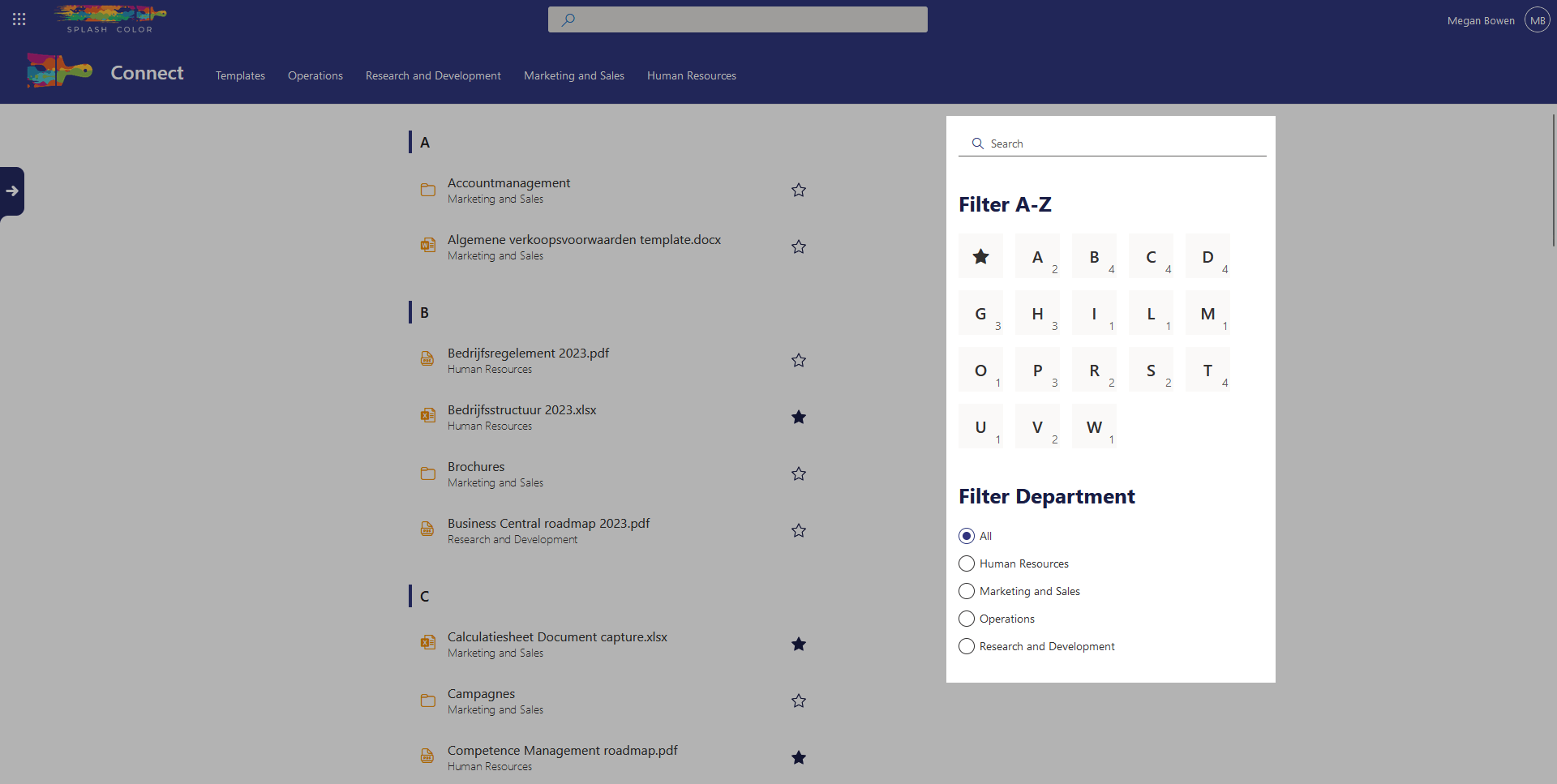
This makes it easy for users to find specific content related to their interests. It offers various filter options such as alphabetical, search bar, and department filter.
The alphabetical filter allows users to filter content that starts with a certain character, with an option to exclude all favorited items. The search bar provides the ability to search for specific keywords within the content, while the department filter only displays items that belong to a particular department.
The Dynamic Filter webpart is an efficient and user-friendly way to access the content that matters most to you.
Architecture
The Dynamic Filter webpart is a complex yet powerful tool that works in conjunction with other webparts such as News Departments and ABC Shortcuts. When a user selects a filter option, such as the alphabetical filter, search bar filter, or department filter, the webpart updates the URL query parameters with a unique query parameter for each filter type.
For example, the alphabetical filter uses the Alphabetical query parameter, the search bar filter uses the Search query parameter, and the department filter uses the Department query parameter. This allows users to easily share their filter queries with others as everything is saved in the URL.
The alphabetical filter also displays a content count for each item, providing users with a quick and easy way to see how many items are available for each letter. If there are more filter types available, the alphabetical filter will adjust accordingly.
Configuration options
Hide the title
If this is set to true, then the Title of the webpart won't render
Title
Here you can adjust the title text
This only works if Hide the title is set to false.
Filter type
This allows you to change the type of filter you want to use. You choose out of the following:
Department: List all the available departments from the Term Store and filter on those.Shortcut: Also known as alphabetical, this only works withABC Shortcutsand allows you to filter content that starts with a certain character or on favorited items.Search: Search for specific keywords within the title or filename.