News Article
The News Article webpart is a powerful tool for displaying news articles on your intranet.
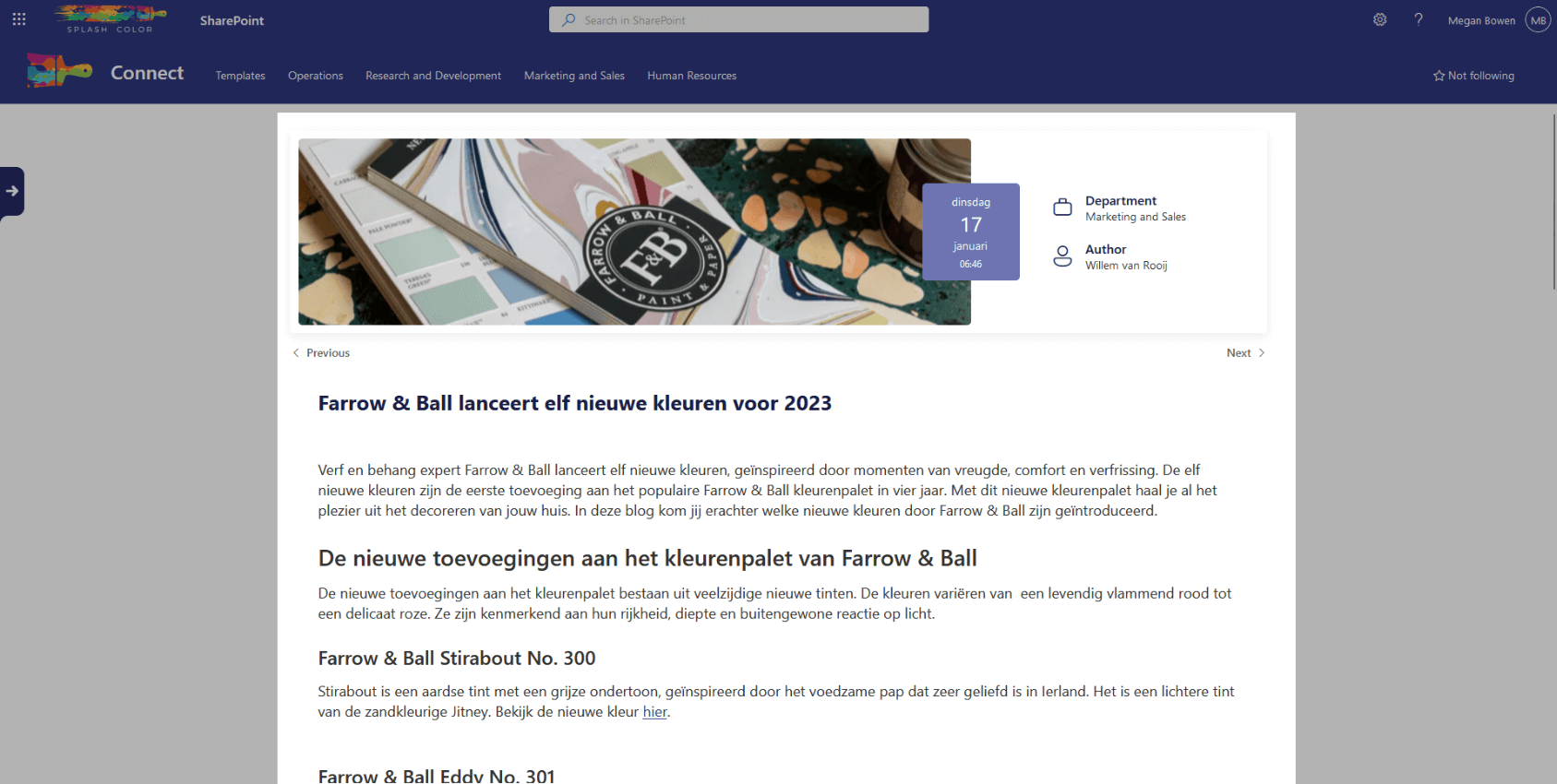
This webpart provides all the necessary information about a news article, including the author, date, department, banner image, and more. The article page is displayed below the banner, which is a unique site page about the article. You can customize this page with as many webparts as you like and enable or disable comments on the article.
With the News Article webpart, you can engagingly showcase your company's news. Whether you're announcing a new product launch or highlighting an employee's achievements, this webpart provides a sleek and professional way to display your news articles. So, get ready to share your latest news with the rest of your organization with the News Article webpart.
Architecture
The News Article webpart is a simple yet powerful tool that leverages SharePoint's list functionality to display news articles in an elegant and customizable way. When a user clicks on a link to a specific article, the webpart reads the News list and fetches the item with the corresponding artid parameter in the URL query.
Once the item is fetched, the metadata such as author, date, department, and the banner image is populated in the banner at the top of the page. This banner provides a quick overview of the article and catches the user's attention.
To display the actual article content, the News Article webpart embeds an Iframe that links to the unique site page of the article. This page can be fully customized by adding various SharePoint webparts and enabling or disabling comments.