Who is Who
The Who is Who webpart is an essential tool for any organization that values teamwork and collaboration. This webpart offers a clear overview of all employees within your company, allowing you to easily find and connect with colleagues.
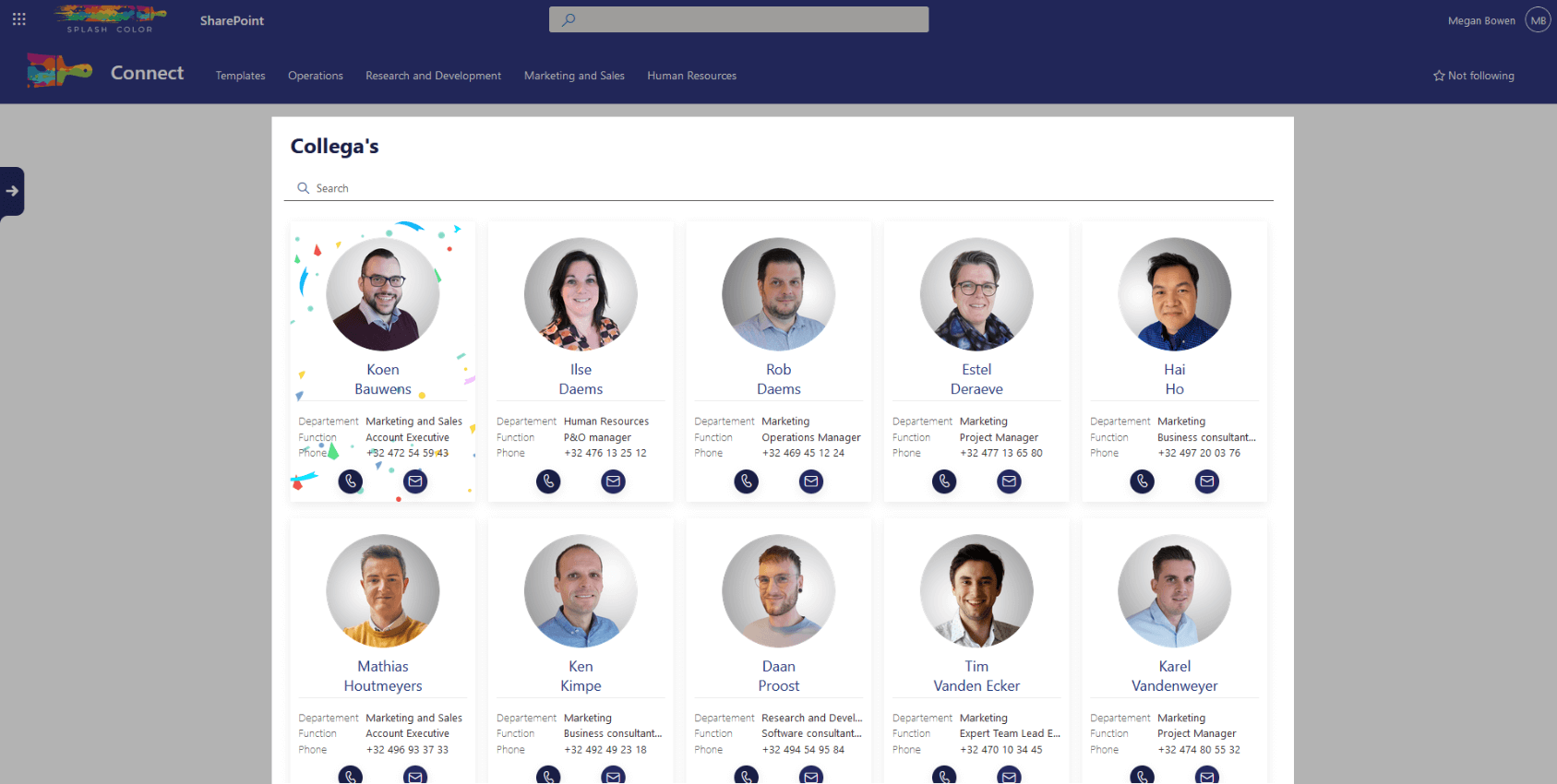
By simply typing in a name or job title, you can quickly find who you're looking for. And not only that, but the webpart also provides additional information about each employee, such as their department, phone number, and email address.
This makes it easy to find the right person for the job and quickly get in touch. Additionally, the Who is Who webpart can help you better understand the structure of your company and who reports to whom, which can be particularly useful for new hires or when working on cross-functional projects.
Architecture
The 'Who is Who' webpart is designed to display all the users from your company in a simple and user-friendly way. The webpart is configured to read data from the SharePoint list named WhoIsWho, which contains basic information about each employee such as their name, job title, email address, and phone number.
To display the profile picture of each employee, the webpart also reads from the SharePoint library named WhoIsWhoPictures. This library contains the profile picture of each employee, with the file name matching the name of the corresponding employee in the WhoIsWho list.
Configuration options
Panel title
Here you can adjust the title text